Your own careers page
A careers page with your logo and cover photo, a page and apply form for each opening, and a printable flyer with a QR code.
AppyRecruit by AppyShift
Post jobs on your own careers page, keep every applicant in one pipeline, text the applicants who agree to it, and let them book their own interview. When you hire, AppyRecruit makes them an employee with their onboarding ready.
Included from the Growth plan up. See plans
At a glance
A careers page with your logo and cover photo, a page and apply form for each opening, and a printable flyer with a QR code.
Draft, open, pause, close or mark an opening filled, copy one to start the next, and get a pay transparency check before you post.
Choose the fields and screening questions, and make a resume optional or required for each role.
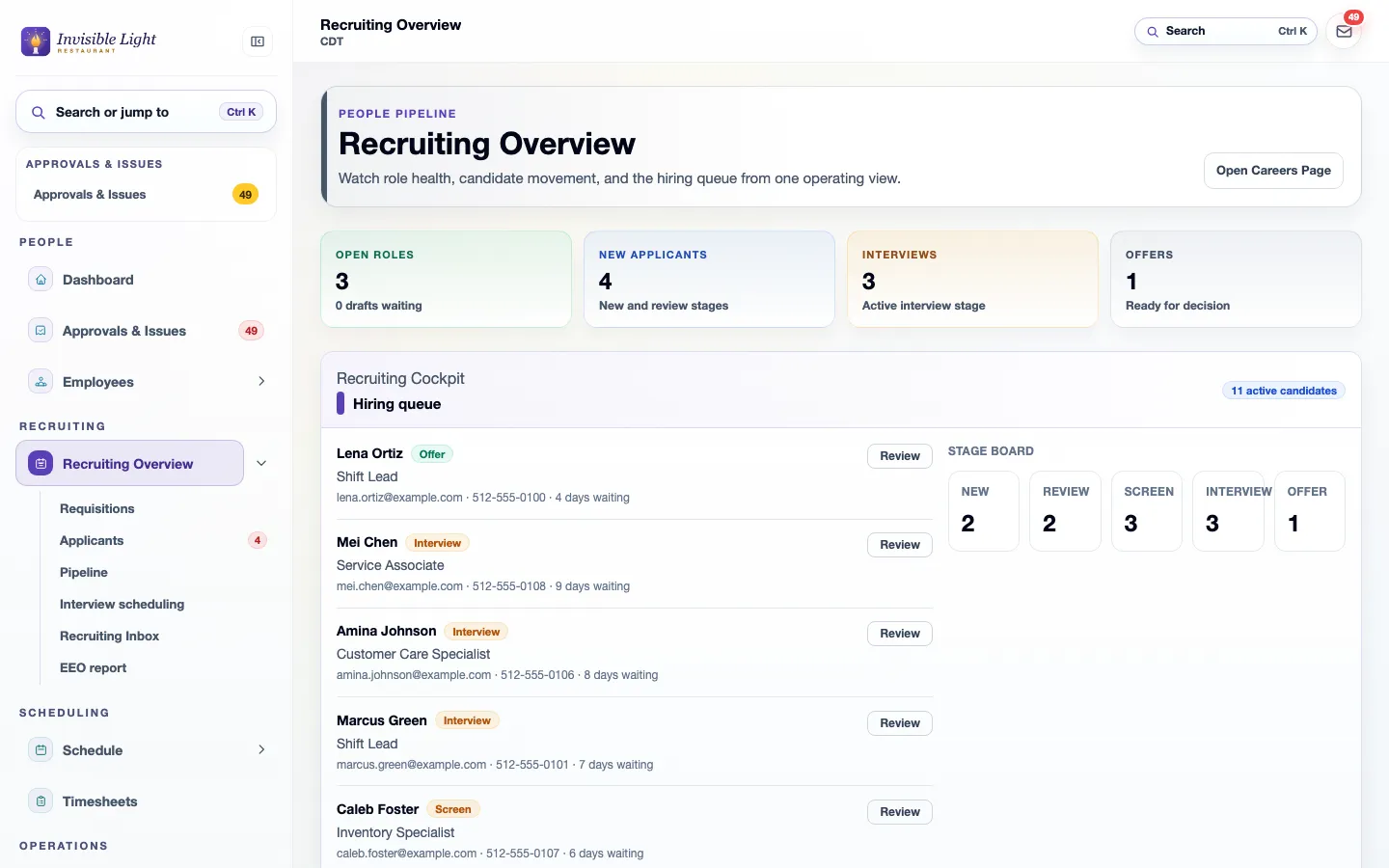
Every applicant by stage, from New, Review and Screen to Interview, Offer and Hired, with notes, ratings and decline reasons.
Interview, follow-up, offer and decline templates, sent to one applicant or many at once.
Applicants who agree to texts on their application can text back. Their replies land on the candidate page and in the Recruiting inbox.
Send a private link. They pick a time inside your interview hours that your linked calendar shows is free, and both of you get a calendar invite.
Applicants can reschedule or cancel from the same link, and a reminder goes out the day before.
Google for Jobs details on every job page, and a job feed you can give Indeed and other job boards.
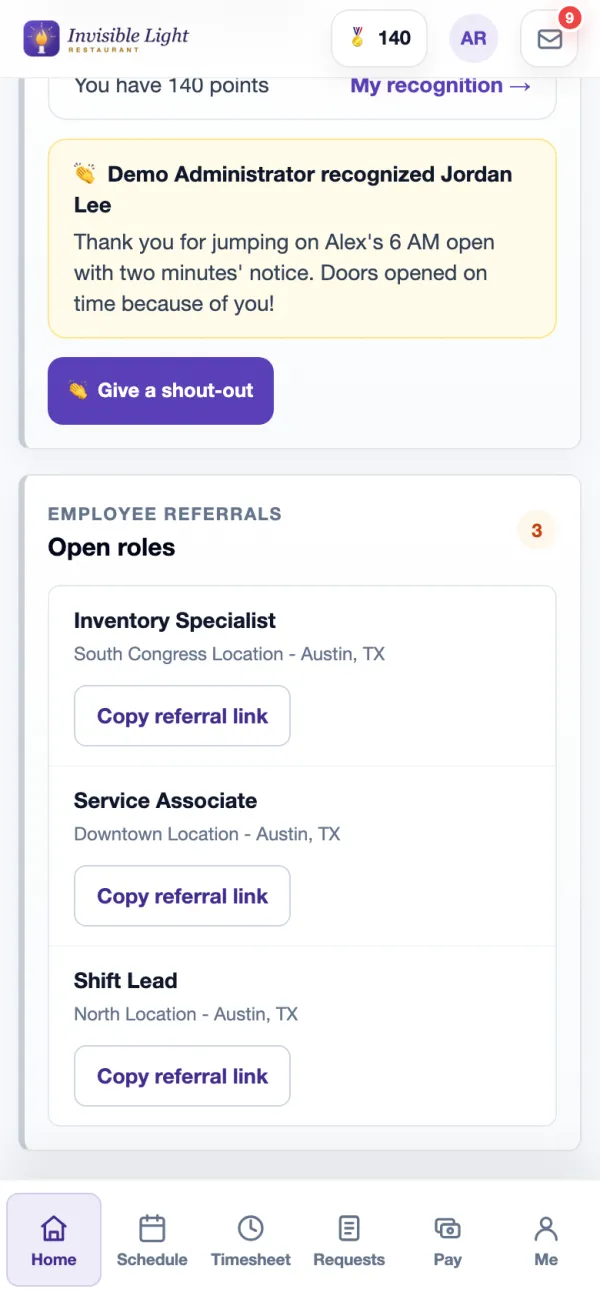
Employees copy a referral link to any open role from Home in the app.
Voluntary EEO answers stay out of hiring screens; totals are in a report.
Hiring creates the employee, assigns an onboarding template and can turn on their app access with a welcome email.
See it in the app
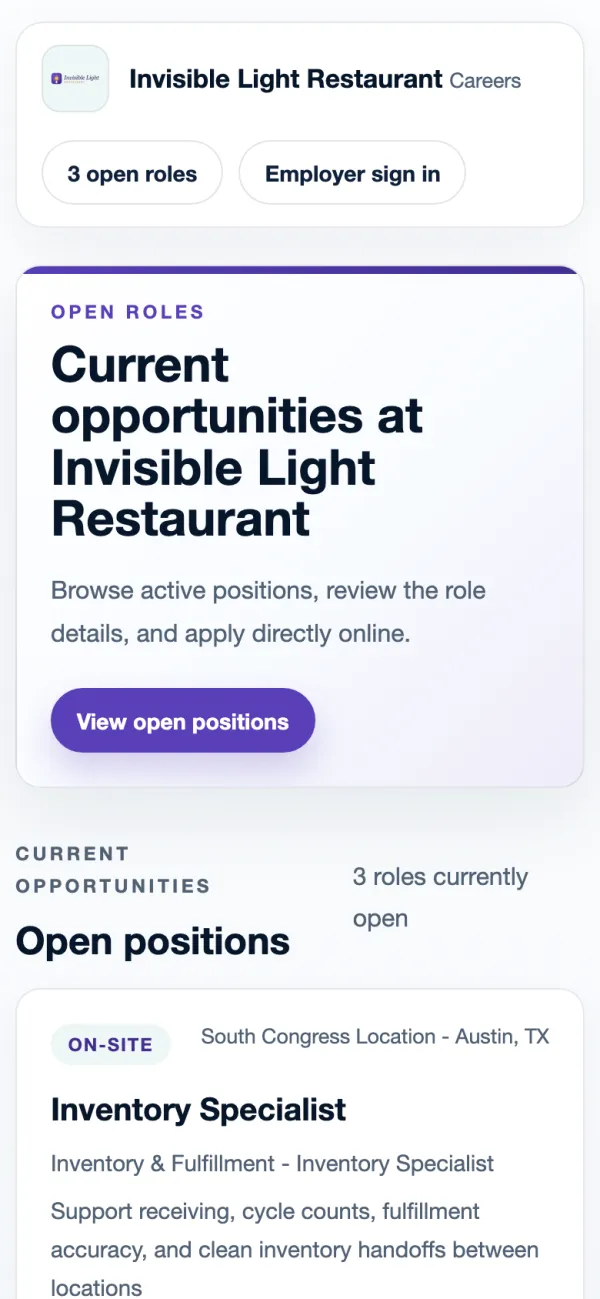
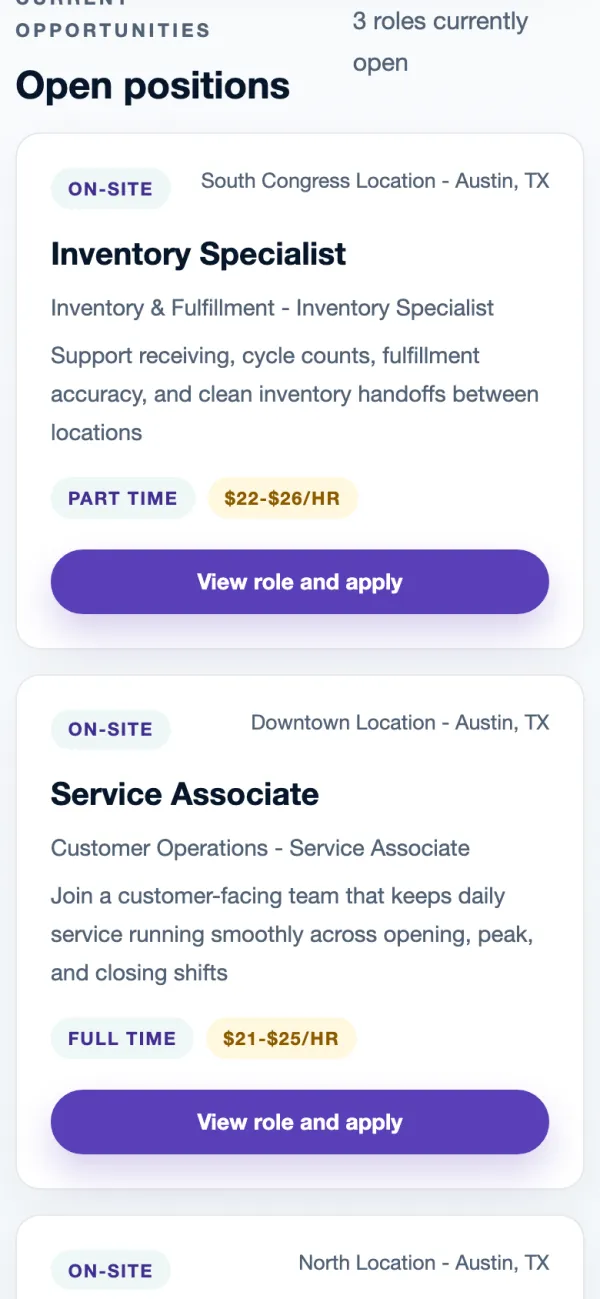
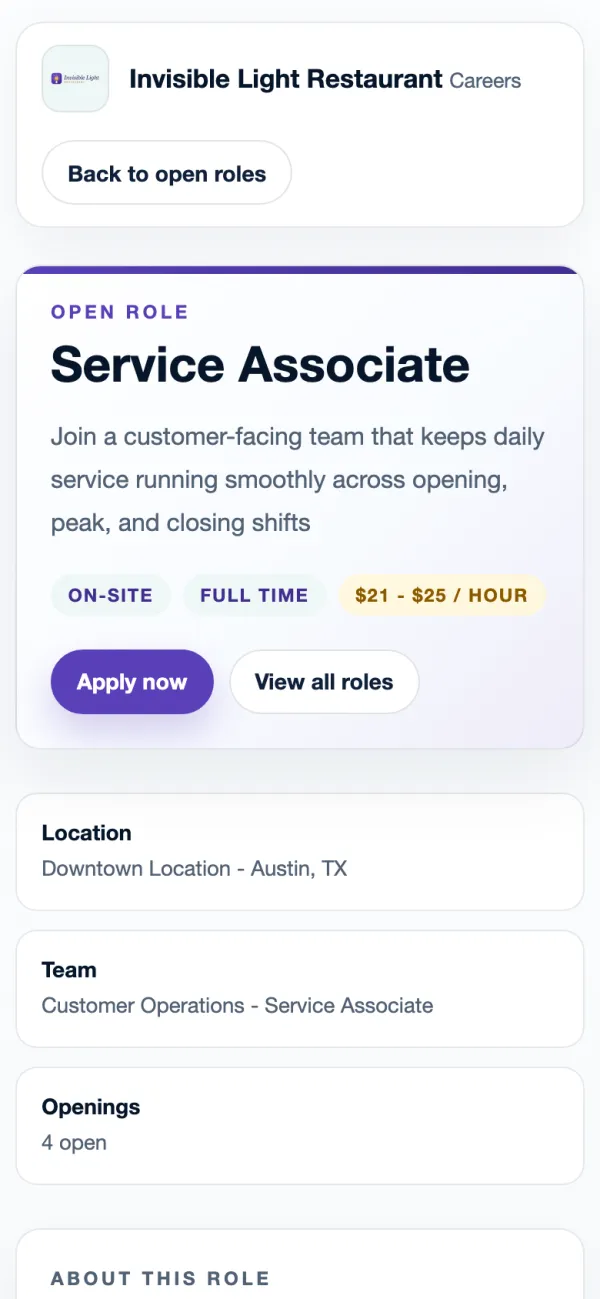
Every screen here is a real AppyShift page from our demo company, Invisible Light Restaurant. Open the demo to try it yourself.
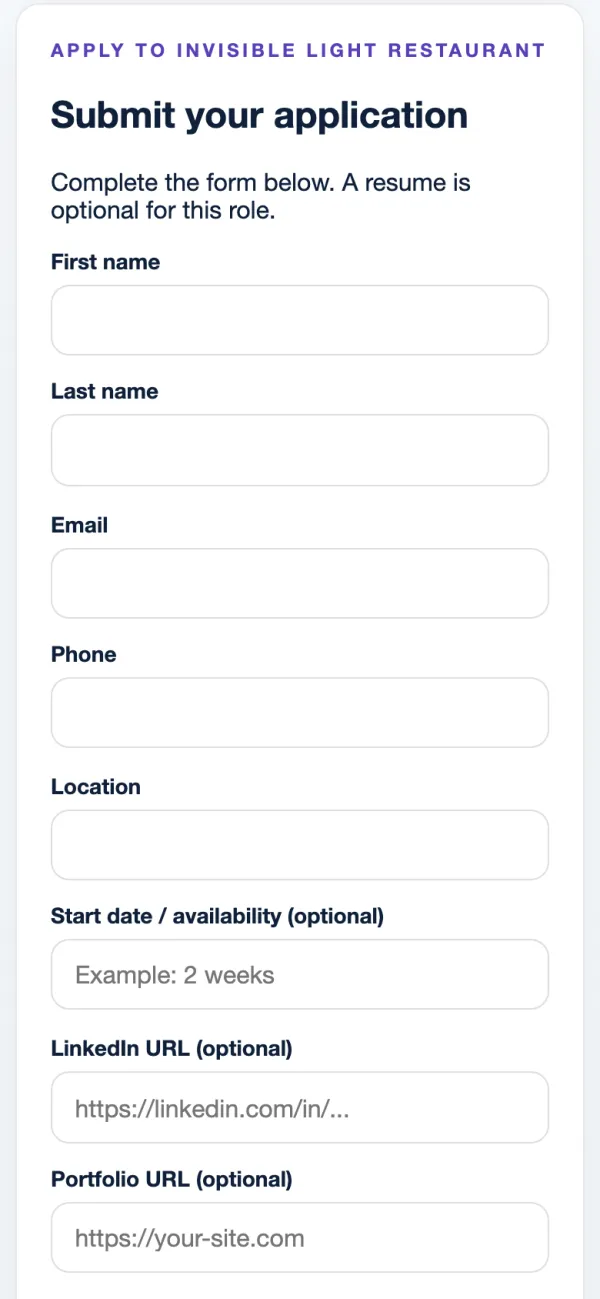
Each open role gets its own page with the pay, the location and an Apply now button. The page carries your name and logo, and it stays current: a closed or paused opening comes off by itself.
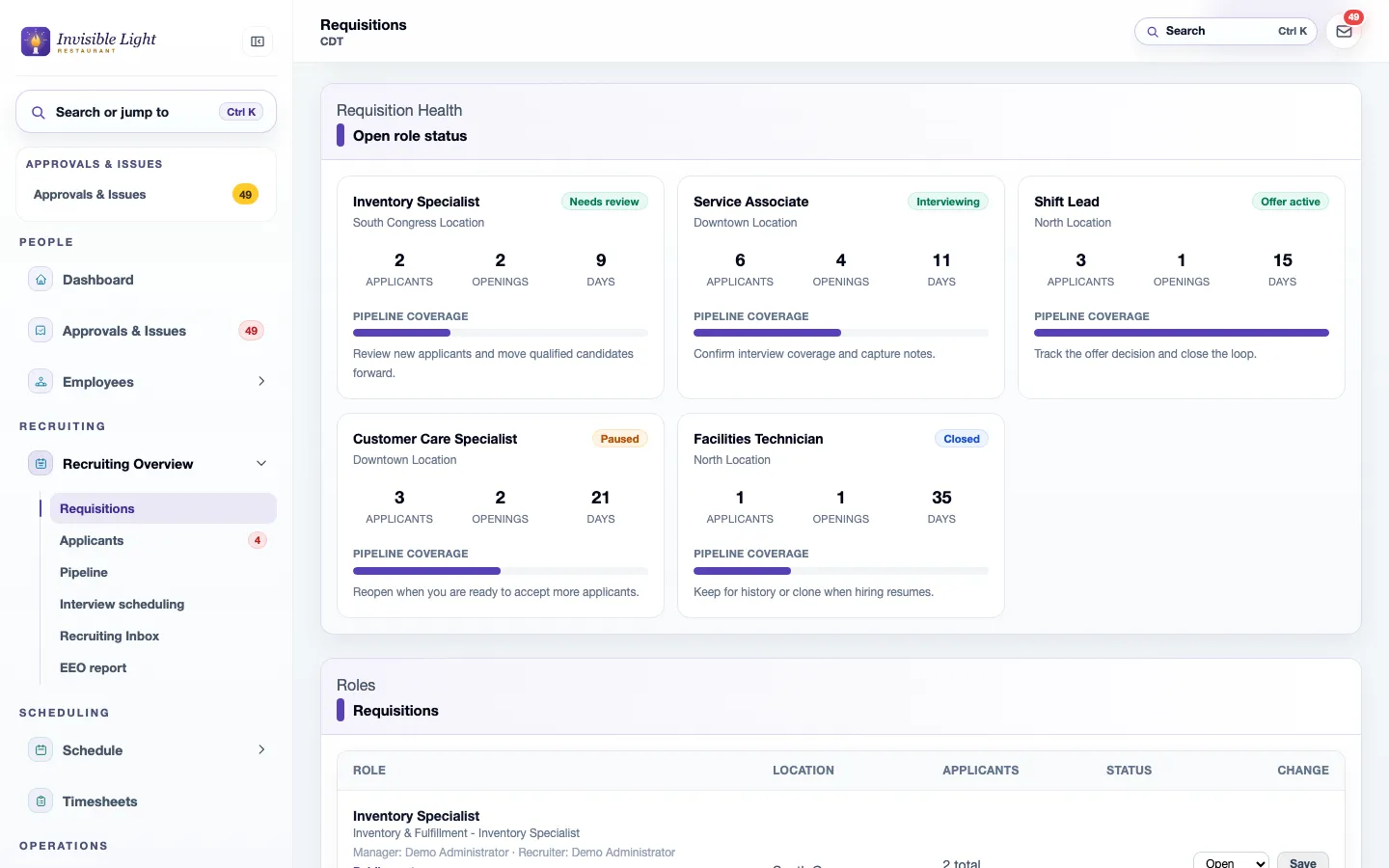
Requisitions shows each opening with its location, applicants, openings and days open, and a nudge on what to do next. Pause a role you have enough people for, or close it and copy it when you hire again.
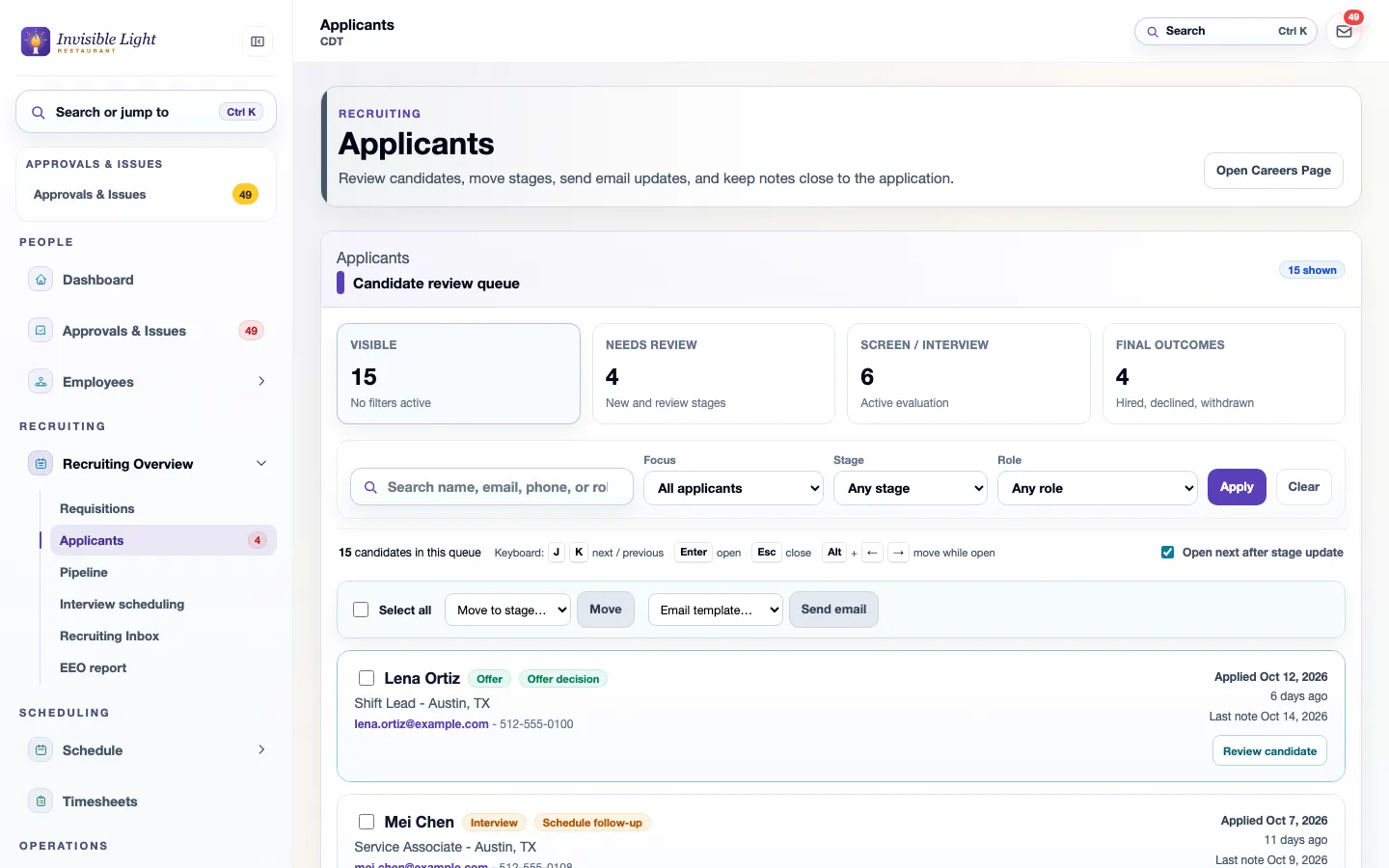
The review queue counts who needs a look, who is in screening or interviews, and who has an outcome. Filter by stage or role, move several people at once, or email them from a template. Keyboard shortcuts move through the list.
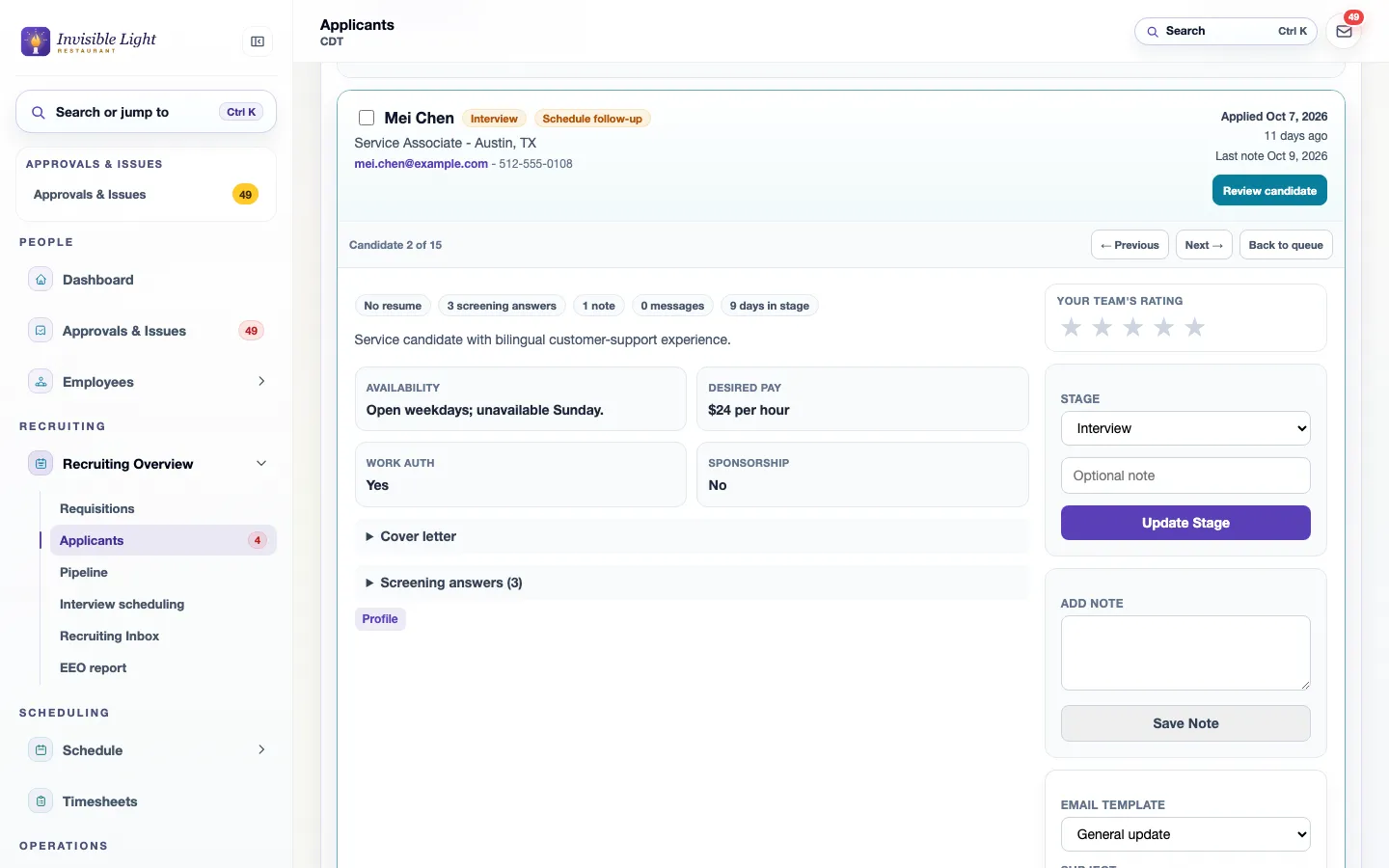
Open a candidate to see their availability, desired pay, work authorization, cover letter and screening answers. Rate them, move them to the next stage with a note, and send an email from a template without leaving the page.
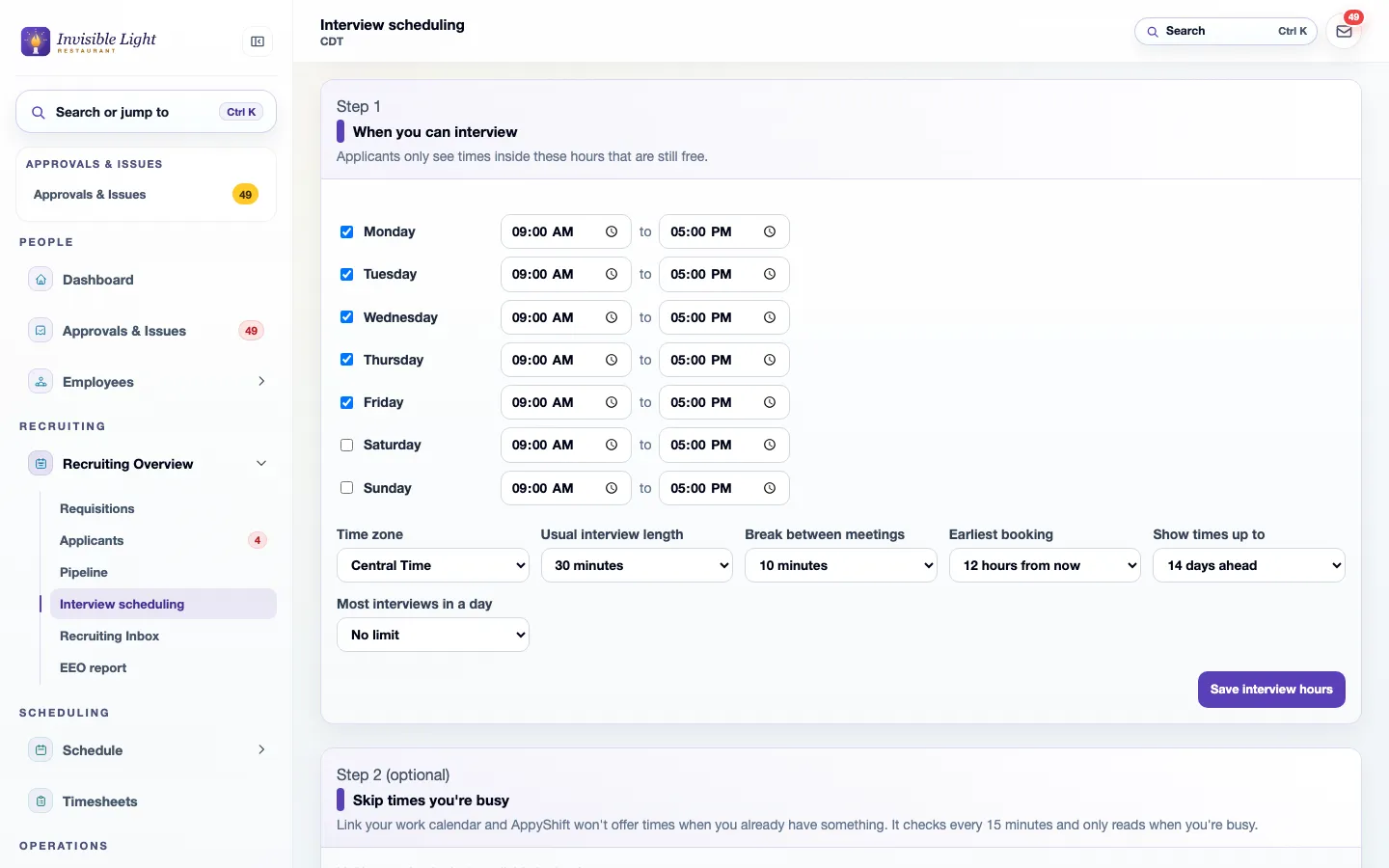
Set the hours you interview once. Send a candidate a private link by text or email, and they choose a time inside those hours that is still free. Both of you get a calendar invite, and they can move it from the same link.
Every feature, by plan
Included from the Growth plan up. Some features are for certain industries and are turned on in setup.
Enter your work email to begin your free-trial signup.
On your own careers page, which you can link from your website and social pages or share on a printed flyer with a QR code. Each job page carries Google for Jobs details, and you can give job boards such as Indeed your job feed; each board decides when it checks the feed.
Yes, once you turn on applicant texting and the applicant agrees on their application. Their replies come into AppyShift on the candidate page and in the Recruiting inbox. Texts go out only between 8 AM and 9 PM in the applicant's time zone, and they can reply STOP.
Send a private link by text or email. The applicant picks a time inside your interview hours, skipping times your linked calendar shows as busy. Both sides get a calendar invite, a reminder goes out the day before, and they can reschedule or cancel from the same link.
AppyRecruit creates the employee record and assigns an onboarding template, so their AppyOnboard tasks are waiting. It can also turn on their app access with a welcome email.
It walks you through the background check steps and notices, which you record yourself. AppyShift isn't connected to a screening company.
AppyRecruit is included from the Growth plan up, with all of its features.
Digital onboarding that collects new-hire information and documents and gets people ready for work, without paper.
See AppyOnboard →Team communication that keeps managers and employees connected, with two-way texting that reaches hourly workers without another workplace app.
See AppyConnect →Use the weekly form to record an effective date range, available hours, and shift preferences, then share or export a copy for your manager.
Open the resource →Choose policy sections, tailor the starter language to your procedures, and assemble a printable handbook draft. Nothing is saved or uploaded.
Open the resource →The AppyShift modules
14 days free with every Pro feature. No credit card. Or open the demo first and click around.
Start free trial