Choose how the app looks
- Open Me.
-
Under Appearance, select Dark (1), Light or Automatic.
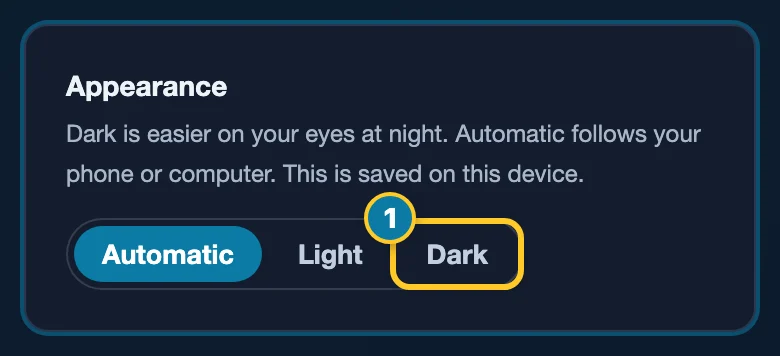
Dark changes the whole app right away.
Automatic is where everyone starts. It follows your phone or computer, so the app turns dark when your phone does, for example at night.
Your choice is saved on the phone or computer you made it on. Choose again on another device if you want it there too.
Note
Anything you print comes out on white paper. Places where you sign stay white, so your signature looks the same as it always has.